Photography lessons for kids and teens
One-on-one, built around the age of the student and the kind of pictures they actually want to make. Camera fundamentals taught through light painting, long exposures and freeze-frame motion, then the Lightroom workflow that makes every shoot after this one better.
In person in Palo Alto, Menlo Park and the SF Peninsula, or live on Zoom. A parent or guardian stays present, in person or on video.
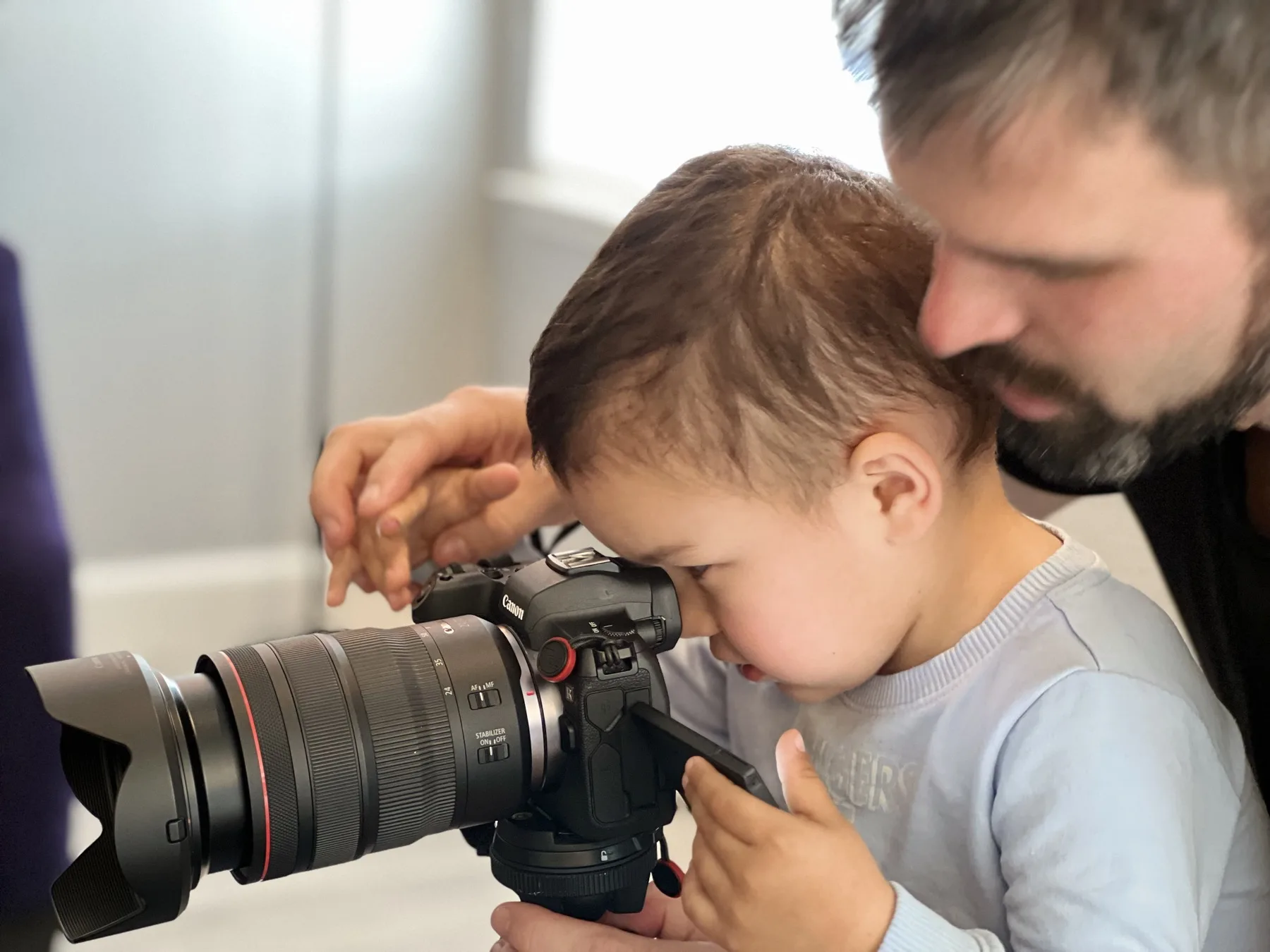
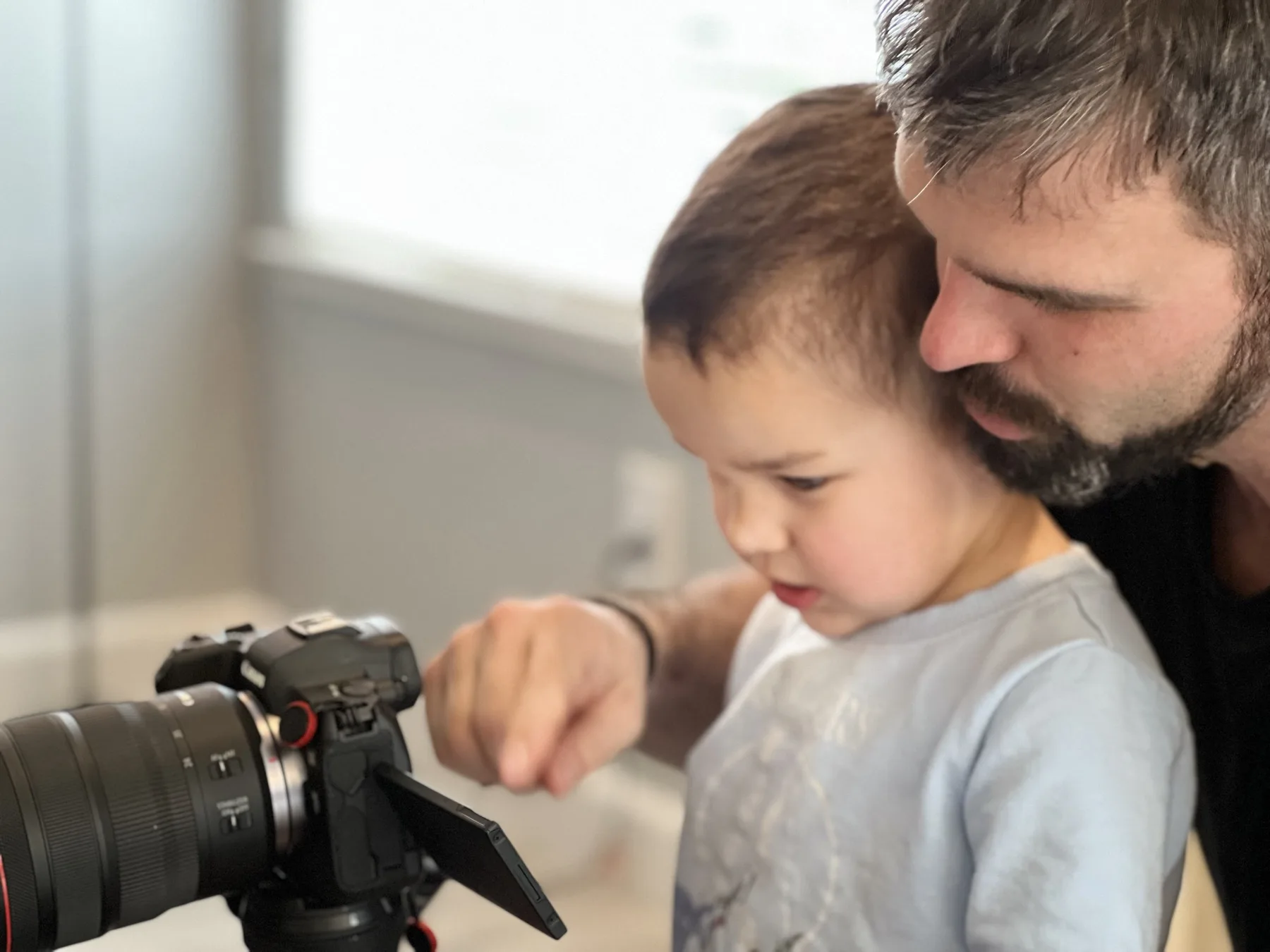
How a lesson actually runs
Kids learn photography the same way they learn anything else they care about: by doing the interesting part first and picking up the theory on the way through.
- We start with a photo they want to make, not a lecture about the exposure triangle.
- Camera in their hands within the first five minutes, mine stays in the bag unless I'm demonstrating.
- One new idea per lesson, repeated until it sticks, then used on something fun.
- We review the shots together on the back of the camera and talk about why a frame worked.
- You get a short note after each lesson with what we covered and what to practice.
What we cover, by age
These are starting points, not tracks. A nine year old who already shoots manual moves up, and a twelve year old who has never held a camera starts earlier. The first lesson tells me which.
First Camera
Mostly shooting, almost no sitting still. The goal is that the camera stops being a mystery box and starts being a thing they reach for.
- How to hold it steady, and what the shutter button is actually doing
- Spotting good light, and seeing why the bad light looks bad
- One subject, frame filled, nothing junky behind it
- Shoot twenty, pick the best one, say out loud why it won
- Short bursts with breaks built in, no lectures
Controls and Composition
The settings stop being abstract because every one of them is tied to something they want the photo to do.
- Shutter speed as a toy: freeze a jump, blur a bike wheel
- Aperture, and the blurry background they have already wanted
- ISO, and shooting indoors without the photo turning to mush
- The composition rules worth knowing, and when to ignore them
- Loading a real shoot into Lightroom and picking the keepers
Manual Mode and the Lightroom Workflow
Full control of the camera, plus the editing workflow that carries over to anything they shoot from here on.
- Full manual exposure, white balance, and why RAW is worth the space
- The whole Lightroom workflow: import, cull, develop, export
- Masking, brushes, and local adjustments on their own photos
- Long exposure, light painting, and tripod work after dark
- One consistent look instead of forty different edits
Portfolio and Real Assignments
Shooting to a brief and building a body of work that holds up next to anyone else's.
- Portrait lighting: natural light first, then off-camera flash
- School sports, events, and yearbook assignments on a deadline
- A Lightroom workflow fast enough for three hundred frames
- Culling and sequencing a portfolio for AP Art or college applications
- The business side, if they want it: what to charge for a first paid job
The projects they tell their friends about
Every one of these is a technical lesson wearing a costume. Light painting is a long-exposure lesson. Forced perspective is a composition lesson. They don't need to know that.
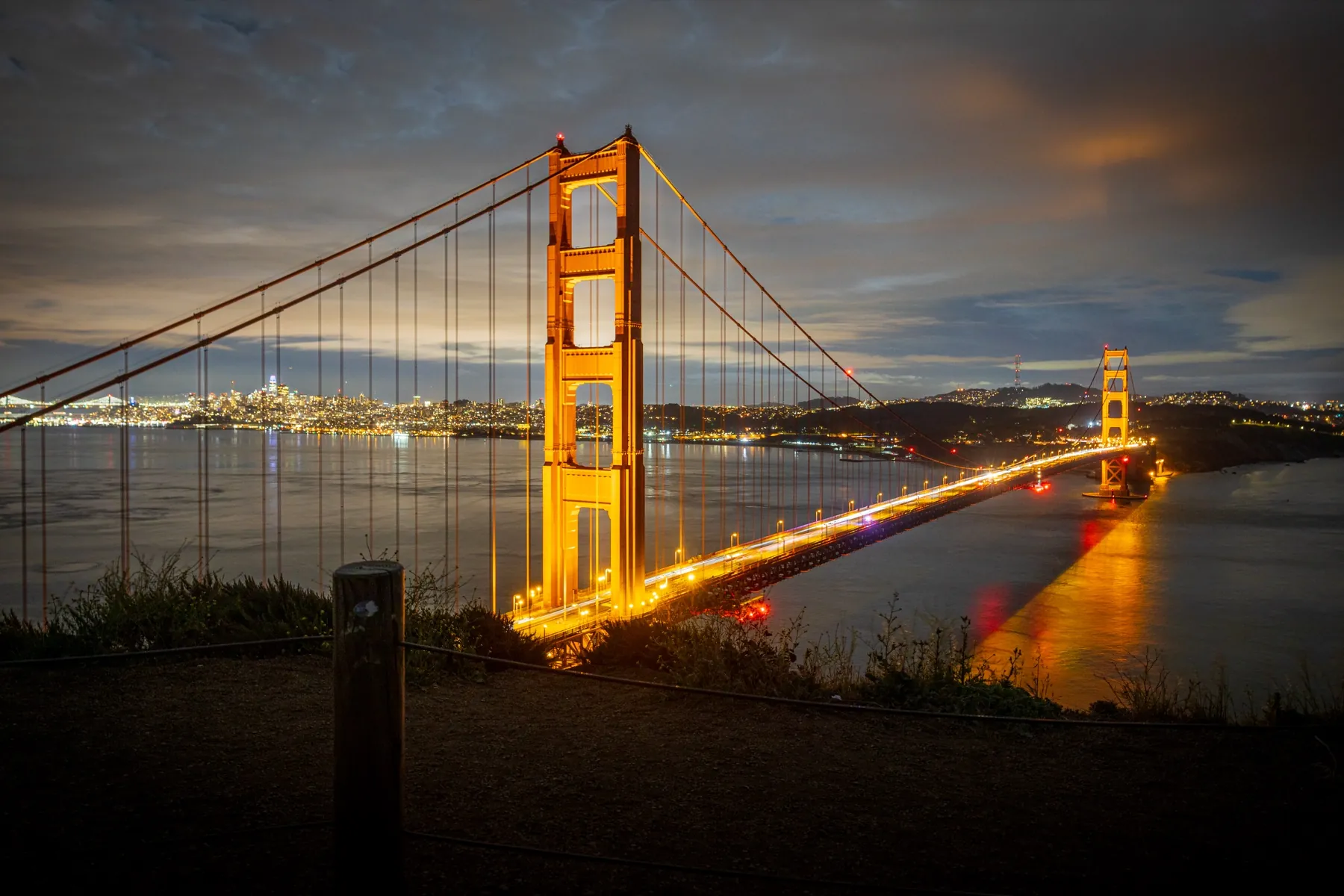
The frames below are mine, shot with the same settings a twelve year old can run on a borrowed camera. Every one of them is a lesson a student can repeat.
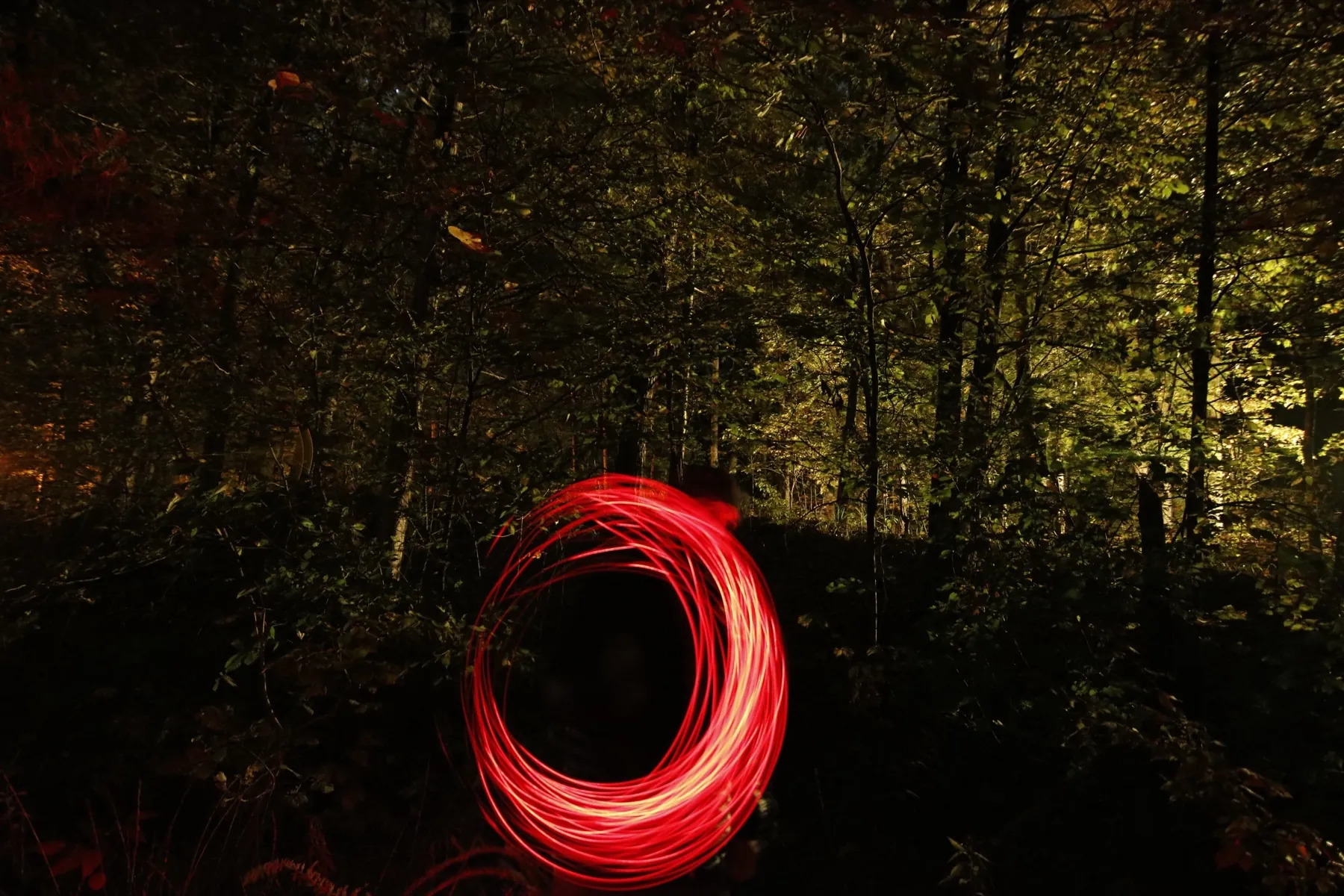
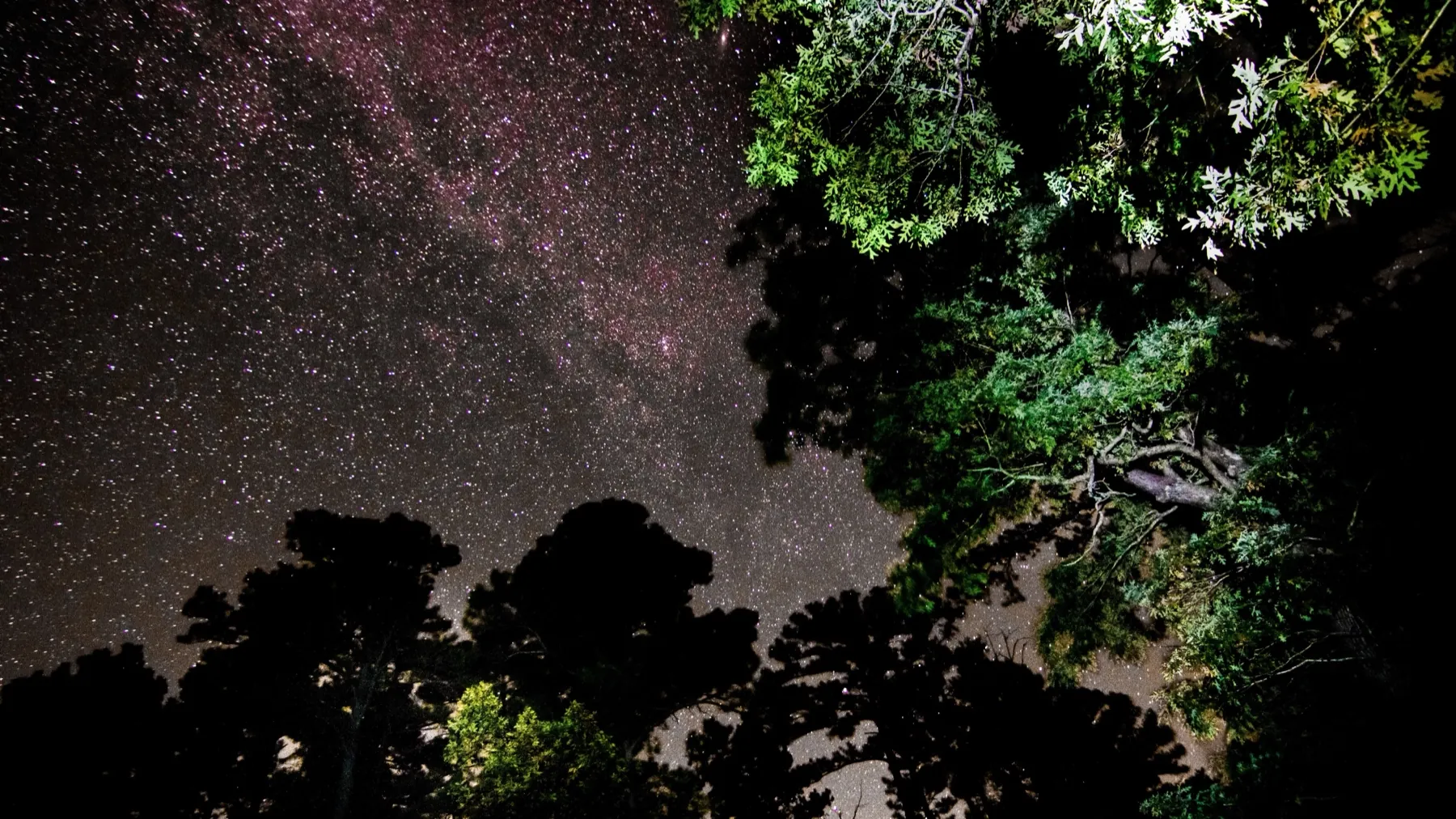
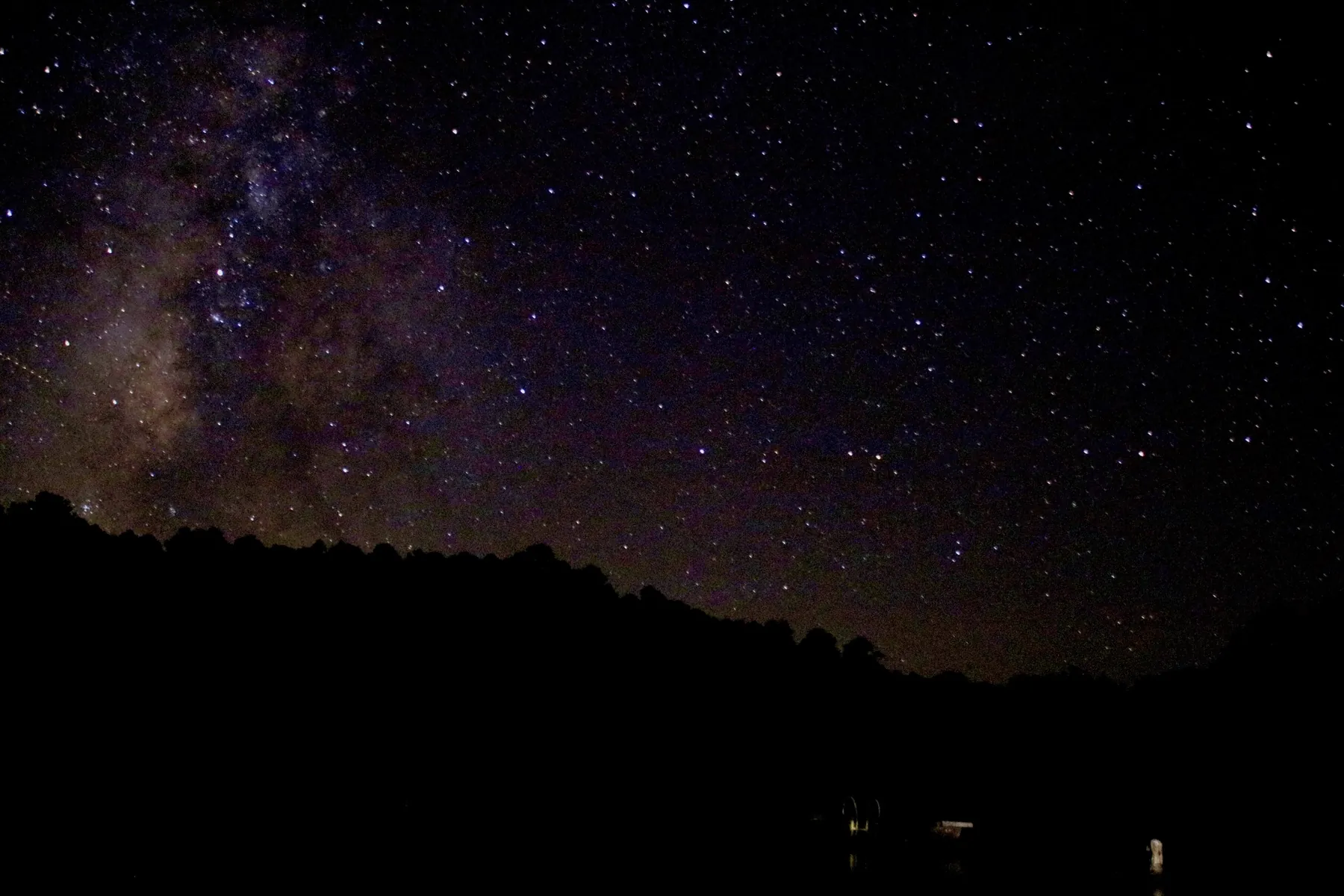
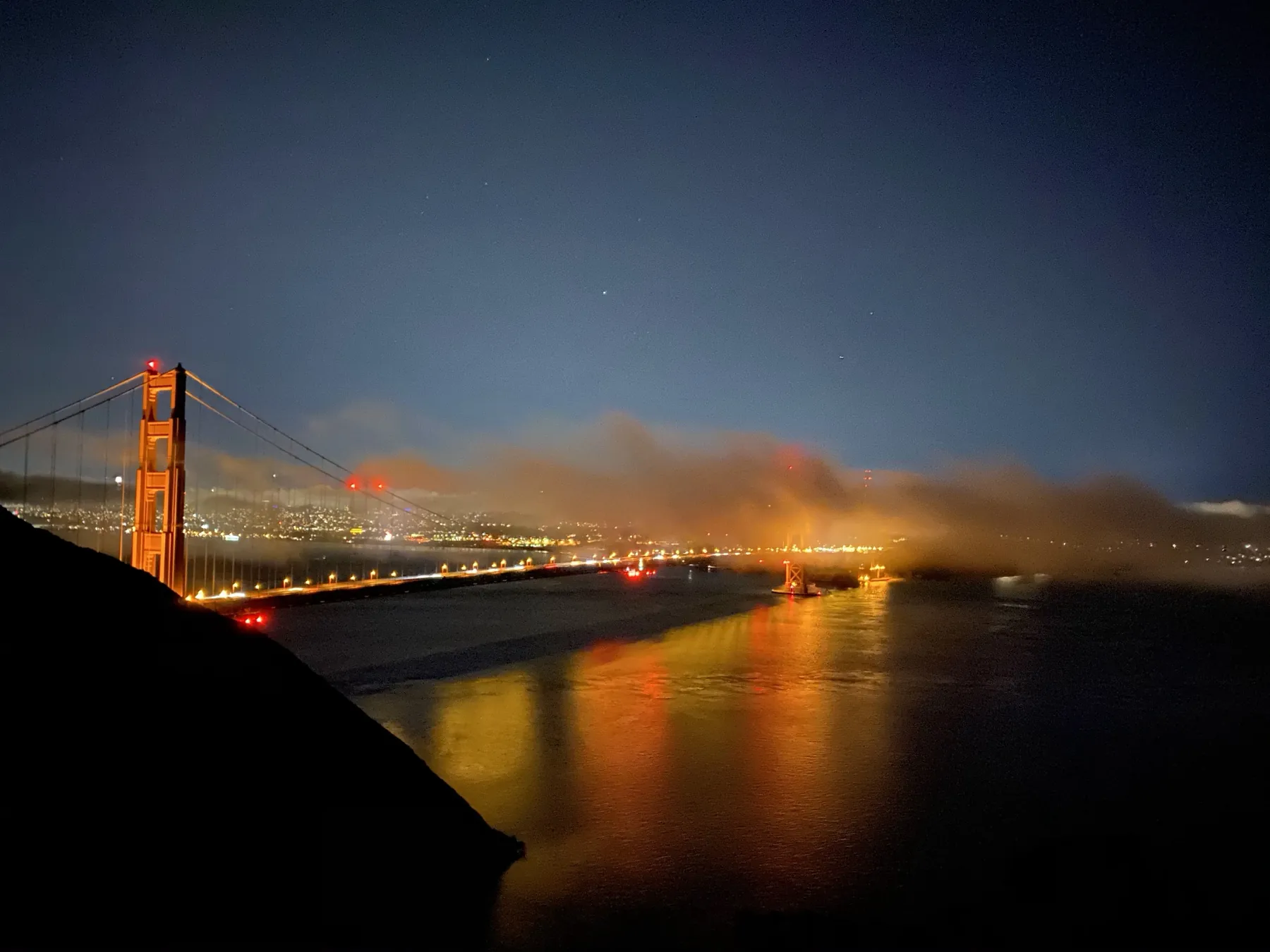
Light painting
A flashlight, a dark park, and a 20-second exposure. They write their name in the air and it shows up in the photo.
Long exposure
Car trails, water turned to silk, a crowd blurred into ghosts while one person stays sharp.
Forced perspective
Holding the sun, standing on a friend's hand, shrinking a sibling. Pure composition work disguised as a prank.
Reflections and puddles
Shooting an inch off the ground to turn an ordinary street into something upside down and strange.
Freezing motion
A jump, a splash, a skateboard trick stopped mid-air at 1/2000th of a second.
A photo essay
Ten frames that tell one story about a day, a person, or a place. The hardest and most satisfying one.
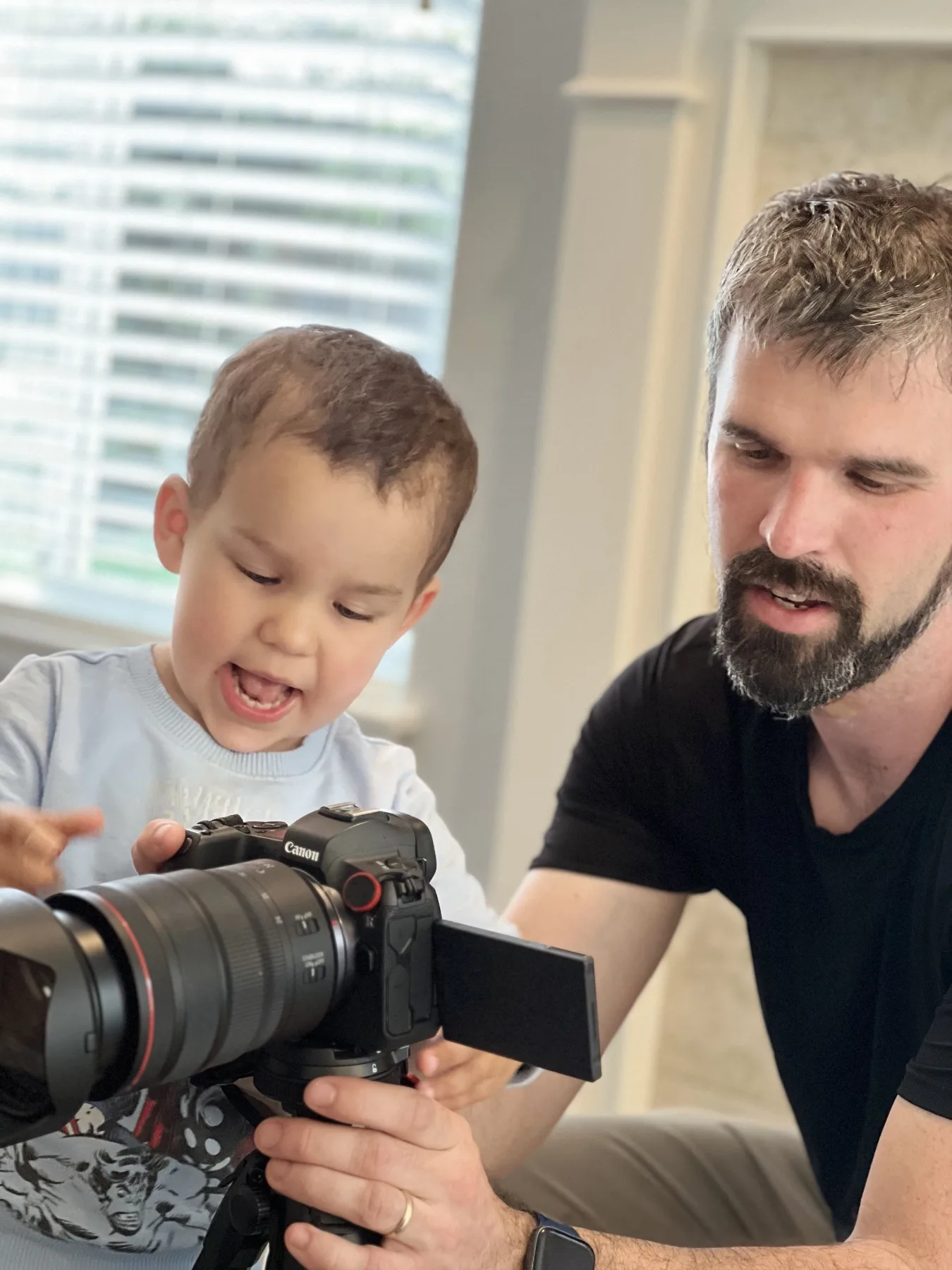
For parents
The practical answers, up front, so you can decide without a phone call.
- A parent or guardian stays present
- Every student under 18 has a parent or guardian with them. In person is welcome, and joining by video from work counts too.
- Use the camera you already have
- Any camera works, including an iPhone. I teach to the camera in front of me. If a first real body makes sense later, I'll tell you which one and why, with no pressure to buy anything to start.
- Where we meet
- In person around Menlo Park at a spot we pick together, or at your location for a travel fee that starts at $25 and is priced by the drive. Palo Alto, Atherton, Redwood City, Mountain View and Los Altos are all at the $25 minimum. San Jose, Sunnyvale and Santa Clara cost more because they are further.
- Or online, with the recording
- Editing lessons work well over Zoom. I record the session and send the link afterward, so they can rewatch the exact steps instead of trying to remember them.
- Start with one hour
- No package required. One hour is $150, and if it clicks, hour packs bring the rate down. Hours stay good for 12 months.
- Recurring slots after the first lesson
- Most families settle into weekly or every-other-week once they know it's a fit. Weekday after-school times work, and so do weekends.
Simple pricing
Same rate as every other private lesson. Start with one hour, pay online, and only buy a pack once you know it's a fit.
Single Hour
$150/hr
Try a session, dial in one specific skill, or follow up on an earlier lesson.
Book Single Hour5-Hour Pack
$140/hr
Build a real foundation across multiple sessions. Most popular for serious beginners.
Book 5-Hour Pack10-Hour Pack
$135/hr
Go deep — fundamentals through editing, with room to specialize in your chosen genre.
Book 10-Hour PackAdd travel from $25 if I come to you, priced by the drive from Menlo Park. Hours stay good for 12 months.
Questions parents ask
What age can a child start photography lessons?
Six is a reasonable floor for a structured lesson, and plenty of kids start earlier with a parent in the room. Under about nine, the lesson is mostly shooting and looking at what came out, with the technical side kept to one idea at a time.
Does my child need their own camera?
No. Any camera they can get their hands on works, including a phone. I teach to the camera in front of me rather than the one I wish they had. I don't lend cameras out, but I'll give you a straight answer on whether a used body is worth buying, and which one, once I've seen how they shoot.
Do I have to stay for the lesson?
Yes. Every student under 18 has a parent or guardian present. You're welcome to be there in person, and joining by FaceTime or Zoom from work counts.
Where do lessons happen?
In person around Menlo Park at a spot we choose together, or at your location anywhere from the Peninsula down through San Jose. Travel is priced by the drive and starts at $25, which covers Palo Alto, Atherton, Redwood City, Mountain View, Los Altos and East Palo Alto. The booking form shows the exact figure for your town before you pay. Editing lessons can also run live over Zoom.
How much does a kids photography lesson cost?
$150 for a single hour, plus travel from $25 if I come to you. Hour packs are cheaper per hour: 5 hours for $700 and 10 hours for $1,350. Hours are good for 12 months.
How long is a lesson for a younger child?
An hour, with the shape of it adjusted to the age. With a six or seven year old that means several short shooting bursts and a break in the middle rather than sixty straight minutes of instruction.
Can lessons be scheduled after school?
Yes. Weekday afternoons are the most common slot for school-age students, and weekends work too. Tell me the days that fit and we'll build a recurring time around them.
Do you teach Lightroom to teenagers?
Yes, and it's where most of the lasting improvement happens. We work in their own photographs: import, cull, develop, masking and local adjustments, then export. The point is one repeatable workflow they can run on every shoot, not a pile of one-off tricks.
Book the first hour
Pick a single hour, tell me their age and what they already shoot, and I'll build the first lesson around it. If it isn't a fit, you've spent one hour finding out.